Remote Team Management Tools: Features and Comparison
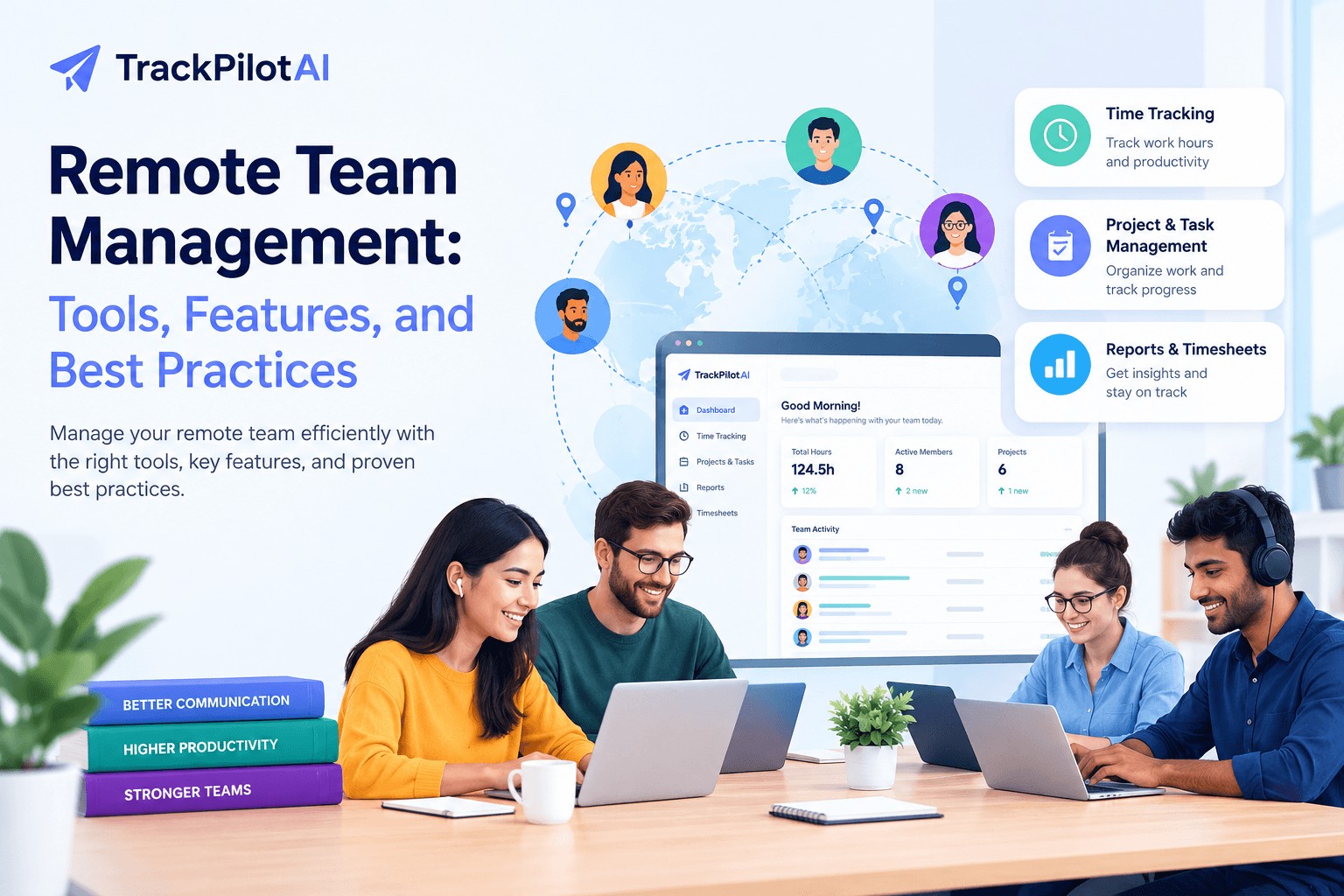
Remote work allows businesses to hire people from different cities, states, and countries. But managing a team that works from different locations can be challenging. Managers need to organize tasks, understand working hours, review project progress, and make sure employees have the support they need.
Remote team management software helps businesses manage these activities through digital tools. Depending on the platform, it may include time tracking, project management, activity insights, timesheets, and reports. TrackPilotAI brings time tracking, work activity context, project workflows, and reporting tools together to support remote team management.
The goal is not to watch every employee action. It is to create a clear and organized workflow where employees understand their responsibilities and managers can make informed decisions.
What Is Remote Team Management Software?
Remote team management software is a digital platform that helps businesses organize and manage employees who work outside a shared office.
It can help managers assign work, review working hours, follow project progress, and understand how work is moving across a team.
Common features include:
Time tracking: Records the time employees spend working.
Project and task management: Organizes assignments, responsibilities, and project progress.
Activity monitoring: Provides information about work-related application and website activity.
Timesheet management: Helps employees record hours and managers review submitted time.
Reports and analytics: Turns work records into summaries that support business decisions.
Privacy controls: Helps businesses manage who can access employee information and how monitoring is used.
Not every platform includes all these features. Businesses should choose software based on their actual management needs.
Why Do Businesses Use Remote Team Management Software?
Remote teams need clear processes. When employees work from different locations, managers cannot always understand project progress through office conversations or in-person updates.
The right software can help solve several common problems.
1. Track Employee Working Hours
Time tracking helps businesses record working hours and understand how time is distributed across projects. It can also reduce dependence on manually prepared time records.
For example, a marketing agency may need to understand how much time its team spends on content creation, SEO, reporting, and client work.
Businesses can use employee time tracking software to record and review work hours through a more organized process.
2. Organize Projects and Daily Tasks
Remote employees may handle several assignments at the same time. Without clear task ownership, deadlines can be missed and responsibilities can become confusing.
Project and task management features help managers organize assignments, set priorities, and review progress. Project and task management can help teams connect planned work with the tasks employees need to complete.
3. Understand Work Activity
Working hours do not always explain what happened during a work session. Some platforms provide additional context through application usage, website activity, or optional screenshots.
This information should be reviewed carefully. High computer activity does not automatically mean high productivity, and low activity does not automatically mean poor performance.
Learn more about employee activity monitoring and how businesses can use activity information responsibly.
4. Improve Timesheet Accuracy
Manual timesheets may contain missing entries, incorrect hours, or late submissions. A digital workflow can make it easier to record, review, and approve working time.
Businesses can also use employee timesheet automation to reduce repetitive administrative work and make time records easier to manage.
5. Make Better Management Decisions
Reports can help managers review working hours, project effort, and activity patterns. This information can support workload planning and help identify tasks that regularly take longer than expected.
For example, if a project repeatedly exceeds its estimated hours, managers can review the workload and improve future project estimates.
Important Features to Look For
Before selecting a platform, understand which features can solve your team's problems.
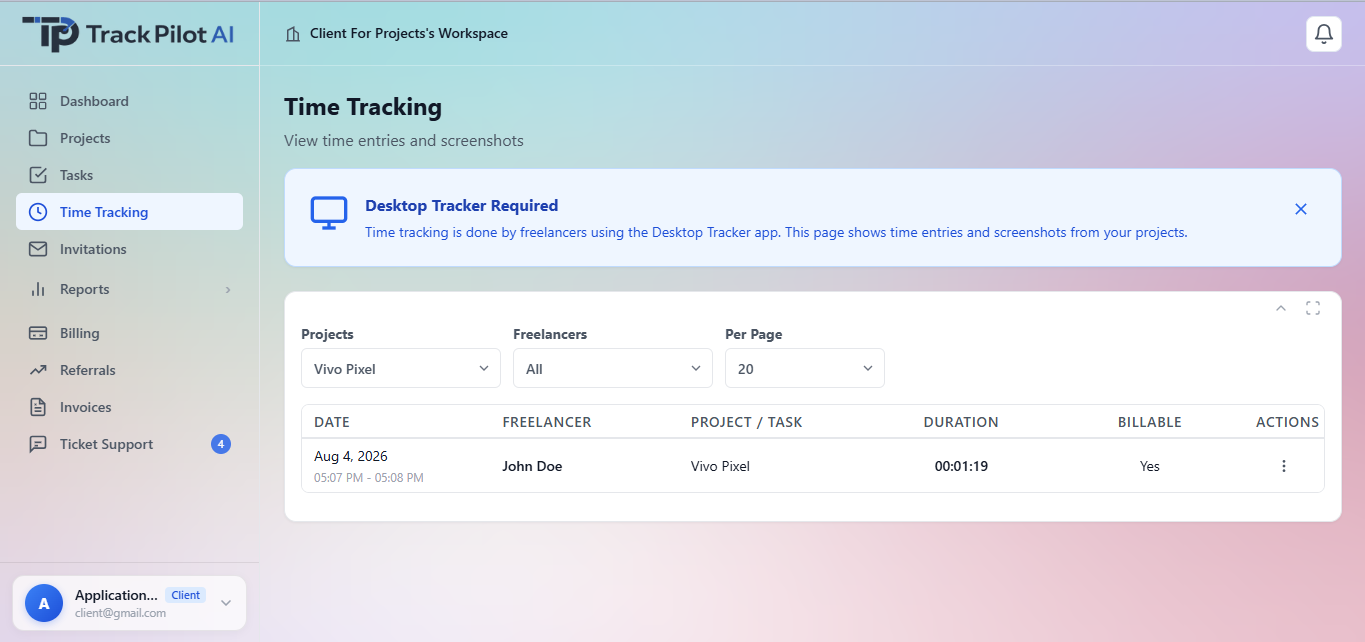
Time Tracking
Time tracking records employee working hours and can connect time entries with projects or tasks. Look for simple time entry, reviewable records, and a clear process for correcting mistakes.
TrackPilotAI provides a dedicated time tracking feature for businesses that want to manage work-time records.
Project and Task Management
Project management features help teams organize work and assign responsibilities. Task-level organization can also help managers understand which assignments are pending or completed.
Review the project and task management features when evaluating how TrackPilotAI supports work organization.
Activity Monitoring
Activity monitoring may include application usage, website activity, idle-time information, and optional screenshots. The available information depends on the platform and its configuration.
Businesses should explain what is collected, why it is collected, who can access it, and how long it is retained.
Reports and Timesheets
Reports help managers review recorded work and understand team patterns. Timesheet tools can support the process of checking and approving working hours.
TrackPilotAI provides dedicated reports and timesheets for reviewing work records and reporting information.
Privacy and Access Controls
Employee information should be handled responsibly. Look for suitable permissions, clear monitoring settings, and documented data-handling practices.
A company should also create an employee monitoring policy for remote teams before introducing monitoring features.
Remote Team Management Software Comparison
Different platforms focus on different parts of workforce management. Some emphasize time tracking, while others focus on workforce analytics, employee monitoring, or team operations.
Software Best For Key Features TrackPilotAI Remote team management Time tracking, project management, reports and timesheets Hubstaff Time tracking and workforce management Time tracking, employee monitoring, payroll Time Doctor Employee productivity tracking Time tracking, activity monitoring, productivity reports ActivTrak Workforce analytics Activity analytics, productivity insights, reports Teramind Employee monitoring and security User activity monitoring, behavior analytics, insider threat detection Connecteam Deskless and field teams Scheduling, time clocks, team communication
TrackPilotAI
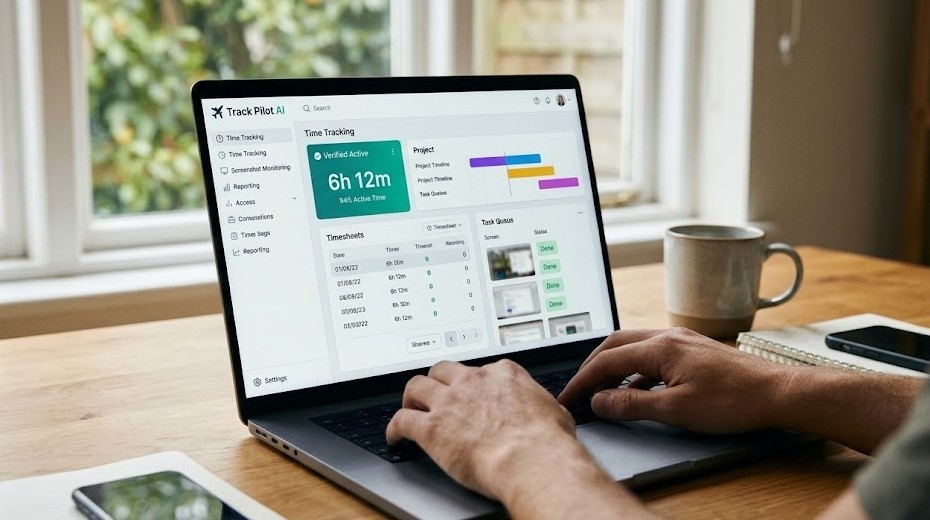
TrackPilotAI provides tools for time tracking, work activity context, project and task workflows, and reporting. Its feature set includes time tracking, optional screenshot monitoring, app and website activity information, reports, and timesheet approvals.
Businesses can explore its time tracking feature, project and task management, and reports and timesheets to understand the available tools.
Hubstaff
Hubstaff is a workforce management platform associated with time tracking and employee management. It may be worth considering for businesses managing distributed teams, contractors, or field workers.
Companies should review its current plans and available features to check whether they match their workflow.
Time Doctor
Time Doctor focuses on time tracking and productivity insights. Businesses may consider it when they want to understand how working hours are distributed across tasks and activities.
Before choosing a plan, review its available reporting and monitoring options.
ActivTrak
ActivTrak focuses on workforce analytics and employee activity insights. It may suit organizations that want to study work patterns and understand how teams use their time.
Its analytics approach may be useful for businesses that need workforce-level information for planning.
Teramind
Teramind is associated with employee activity monitoring and security-focused monitoring capabilities. Organizations with detailed monitoring or security requirements may consider this type of platform.
Businesses should define their monitoring purpose, employee access rules, and data retention requirements before implementation.
Connecteam
Connecteam provides employee operations and team management tools. It may be useful for businesses coordinating schedules, communication, and everyday workforce activities.
Companies should compare its operational features with their own remote-work requirements.
How to Choose the Right Software
The best platform depends on your team size, work process, budget, and management goals.
Identify your main problem. Decide whether you need time records, project visibility, activity insights, or timesheet approvals.
List essential features. Separate must-have features from optional tools.
Check ease of use. Employees should be able to use the software without a complicated process.
Review reporting options. Make sure reports provide information that managers can act on.
Understand privacy settings. Check monitoring controls, access permissions, and data retention.
Compare pricing. Review current plans, user limits, and feature availability.
Test the workflow. If a trial or demo is available, test the platform with a small team before wider adoption.
A good platform should make work easier to manage, not create unnecessary administrative tasks.
How to Manage Remote Employees Effectively
Software is only one part of successful remote management. Businesses also need clear expectations and regular communication.
Set Clear Goals
Give employees clear tasks, deadlines, and expected outcomes. Everyone should understand what they need to complete and how success will be measured.
Focus on Results
Working hours and activity records provide useful context, but they do not tell the full story. Managers should also consider work quality, completed tasks, deadlines, and communication.
Use Reports for Better Planning
Review reports to identify workload issues, repeated delays, and project planning problems. Use this information to improve schedules and distribute tasks fairly.
Respect Employee Privacy
Tell employees what the software tracks and why. Use monitoring only where there is a clear business purpose, and follow applicable workplace and privacy laws.
Review Productivity Regularly
Discuss progress with employees and identify where they need support. For more guidance, read how to measure remote team productivity effectively.
Practical Examples: How Businesses Can Use the Software
The following examples are illustrative scenarios, not verified TrackPilotAI customer case studies. They show how a business might use remote team management software.
Example 1: A Remote Marketing Agency
A marketing agency has employees working on SEO, content, design, and social media projects. Managers struggle to understand how much time each project requires.
The agency introduces time tracking and project-based records. Employees record their working time against assigned projects, while managers review timesheets and project reports.
This process can help the agency understand workload distribution and plan future assignments more clearly.
Example 2: A Distributed Customer Support Team
A customer support business has employees working different shifts from home. Managers need a consistent way to review working hours and understand daily activity.
The business uses time tracking and clear timesheet approval steps. Managers review submitted hours, discuss unusual records with employees, and use reports to improve shift planning.
The main benefit is a more consistent management process—not automatic proof that employees are productive.
Conclusion
Remote team management software helps businesses organize remote work, review working hours, manage tasks, and understand team activity. The right platform depends on the problems a company wants to solve.
Before choosing a tool, compare its features, reporting options, ease of use, privacy controls, and pricing. Create clear management policies so employees understand how the software will be used.
TrackPilotAI offers time tracking, activity visibility, project and task management, reports, and timesheet tools that businesses can explore when evaluating their remote-work management process. The goal should be to build a clear, fair, and organized working environment where managers can support employees and teams can focus on meaningful results.
No comments yet
Be the first to share your thoughts and start the discussion.