Define the purpose
Start with the work question, scope, and review process before enabling a signal.
Solution
Give managers and contributors a clearer view of work activity while keeping purpose, scope, access, and review expectations visible.
Start with the work question, scope, and review process before enabling a signal.
Choose supported activity, screenshot, webcam, or idle context only when it fits the policy.
Use evidence to open a focused conversation, not to issue an automatic performance verdict.
Explain what is collected, when it is active, who can access it, and how it will be reviewed. Keep activity evidence beside projects, tasks, tracked time, and outcomes so a signal remains connected to real work.
Explore privacy guidance, screenshots, and security practices.
Who it supports
Employee monitoring is a policy and workflow decision as much as a product decision. The useful starting point is a defined purpose, limited scope, and a clear explanation of how evidence will be reviewed.
Review activity evidence alongside time, tasks, and outcomes when a specific question requires it.
Understand what is collected, why it is collected, and who can access it.
Set monitoring boundaries and review expectations before enabling a signal.
Where it fits
Track Pilot AI can bring time, activity, screenshots, and review into one conversation, but it does not replace a workplace policy. Confirm the supported settings and access rules before adopting a monitoring process.
Employee monitoring workflow
Employee monitoring is most useful when the purpose, scope, access rules, and review process are clear before activity evidence is collected.
Explain what is collected, when it is active, and who can access it.
Review activity beside time, projects, tasks, and outcomes.
Use evidence to open a conversation rather than issue an unsupported verdict.
Start with the project, task, or review question, then define purpose, scope, access, and the review path.
Use supported activity, screenshot, webcam, or idle context only when it fits the policy.
Compare the preferences with the task and time record before deciding what needs attention.
Give the person closest to the work a chance to explain or correct the record.
In practice
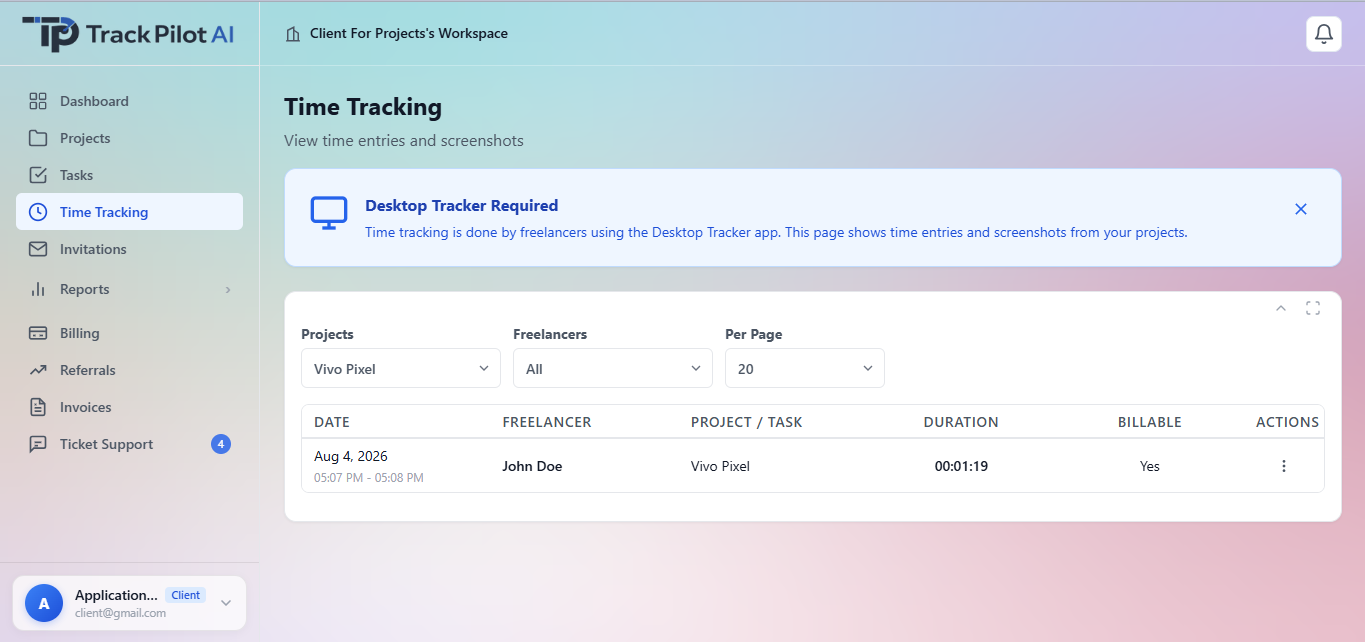
A manager reviewing an unusual activity pattern can check the related task and time entry, ask a focused question, and document the review without treating a single preferences as a complete performance judgment.
Review activity context alongside screenshot controls and the transparency guidance that helps teams set clear expectations.
Review the features and current plans, or contact the team with a specific requirement.