Enable Webcam Monitoring
The client or an authorized team administrator enables webcam monitoring when it fits the project requirements and applicable permissions. Availability depends on product configuration and assigned access.
Monitoring context
Use webcam monitoring as one part of a clearly explained work-review process. Connect available webcam context with tracked time, project information, and screenshots without treating any single signal as a standalone performance verdict.
Track Pilot AI webcam monitoring provides additional context for reviewing remote work sessions. When webcam captures are enabled, teams can review available visual records alongside tracked time, project assignments, and task activity to better understand work sessions and support informed productivity reviews.
Webcam monitoring availability and access are determined by the product configuration and permissions assigned by clients. Teams should establish clear monitoring policies, communicate capture expectations, and ensure that access is limited to authorized users.
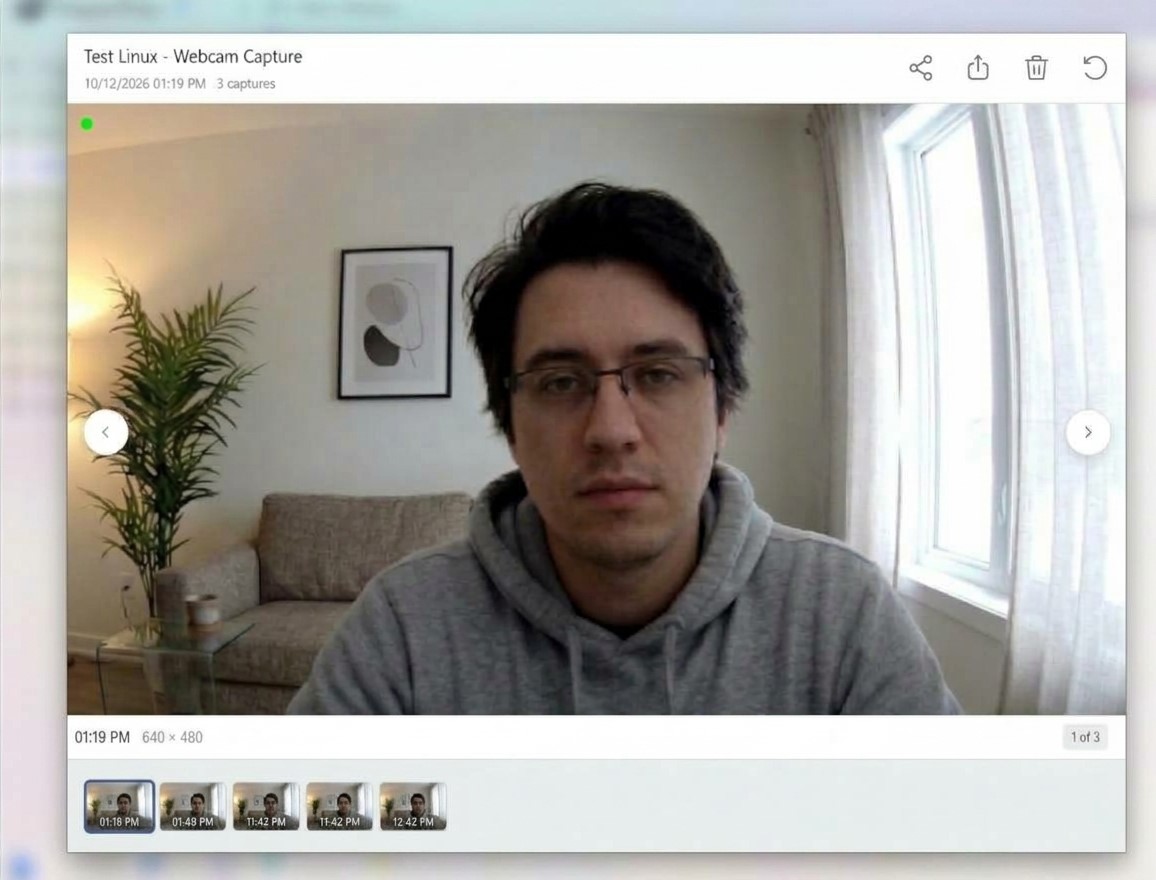
The client or an authorized team administrator enables webcam monitoring when it fits the project requirements and applicable permissions. Availability depends on product configuration and assigned access.
Webcam monitoring helps clients review visual work context when required by a project. Its purpose and usage depend on the client's monitoring requirements and project configuration.
Users can enable or disable webcam monitoring only if their assigned permissions allow it. If the client has customized webcam settings or restricted access, monitoring behavior follows the client's configuration and granted permissions.
Webcam monitoring operates according to the project configuration and the permissions granted to authorized users. Do not assume webcam capture is continuously active or automatically enabled.
Authorized users can review available monitoring information according to their assigned permissions. Consider it alongside work context, tasks, and outcomes rather than as the sole measure of productivity.
Who it supports
Webcam monitoring provides additional visual context for remote-work reviews when agreed upon for a project. Its use depends on client requirements.
Define whether webcam monitoring is required, when it is active, and who can review the available context.
Understand the client’s expectations or configure available options when settings are not enforced.
Managers and other authorized users can view available webcam context if they have the required permissions.
Where it fits
Webcam monitoring can help clients review a freelancer’s work activity and understand whether they are working on assigned tasks when required by the project or requested by the client.
Explore the related feature pages for the next steps in this workflow.
Review the features and current plans, or contact the team with a specific requirement.