How a Remote Employee Monitoring Tool Supports Modern Teams
How a Remote Employee Monitoring Tool Supports Modern Teams
Remote and hybrid teams need clear goals, reliable communication, and a fair way to understand how work gets done. Without the right systems, managers may struggle to track work hours, review project progress, and find delays. Employees may also have trouble showing how they spend their time across different tasks.
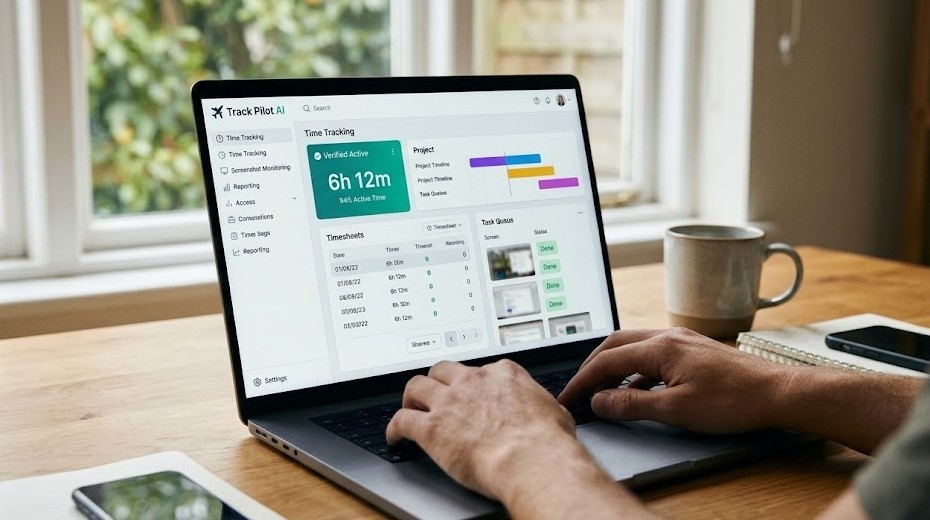
A remote employee monitoring tool helps businesses understand work activity, manage time, and review team progress. When used with clear policies, these tools can support accountability without requiring managers to check on employees constantly.
TrackPilotAI offers features such as time tracking, app and website activity monitoring, optional screenshots, idle detection, project tracking, and reports. These features can help teams organize work and make better decisions using activity data.
What Is a Remote Employee Monitoring Tool?
A remote employee monitoring tool is software that helps businesses understand work activity when employees work outside a shared office. Depending on the product and its settings, it may track time, record app and website activity, capture screenshots, or provide reports about work patterns.
The goal should not be to watch every action. Instead, businesses can use monitoring data to understand how work time is spent, identify workflow problems, and support employees who need help.
For example, a manager may notice that a project regularly takes longer than expected. Activity reports and time records can help the manager investigate whether the cause is unclear instructions, frequent interruptions, or an unrealistic deadline.
Why Modern Teams Need Remote Work Visibility
Remote work gives employees flexibility, but it can make coordination more difficult when teams use different schedules, tools, and work locations.
Here are some common challenges that monitoring and reporting software can help address.
1. Unclear Work Hours
Without a consistent time-tracking process, managers may find it difficult to understand how much time employees spend on tasks. Time-tracking tools provide records that can support timesheet reviews and project planning.
2. Delayed Projects
When a project falls behind schedule, managers need useful information to understand the reason. Time and task reports can help identify where work is taking longer than planned.
3. Limited Visibility Into Work Activity
Managers cannot always see whether employees are facing interruptions or switching between applications. Activity monitoring can provide additional context, provided the organization explains what is collected and why.
4. Manual Reporting
Preparing timesheets and work summaries by hand can take time. Automated reports can reduce repetitive work and give managers a more consistent view of team activity.
Businesses looking for remote work monitoring software can compare tools based on the visibility they need, the reports they provide, and how well they fit existing workflows.
Key Features to Look For
Not every business needs every monitoring feature. Choose software based on your team's work, privacy requirements, and reporting needs.
Time Tracking
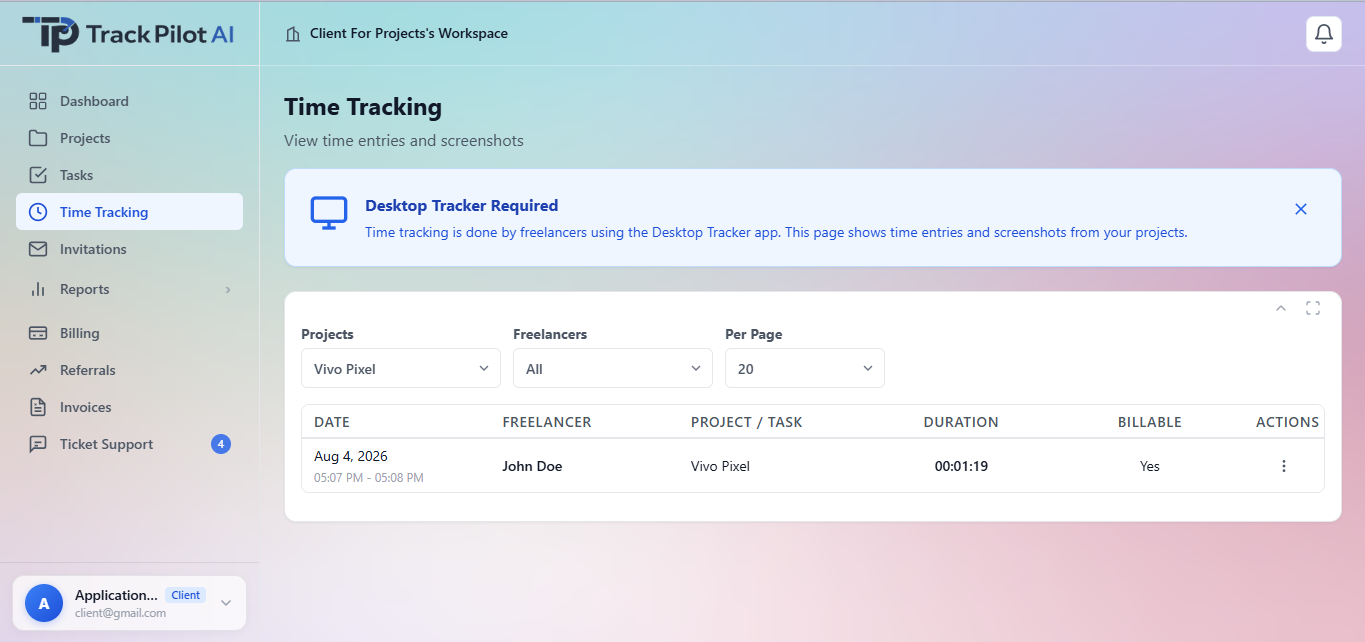
Time tracking records time spent working and can help employees maintain timesheets. Managers can use these records to review hours and understand project effort.
App and Website Activity
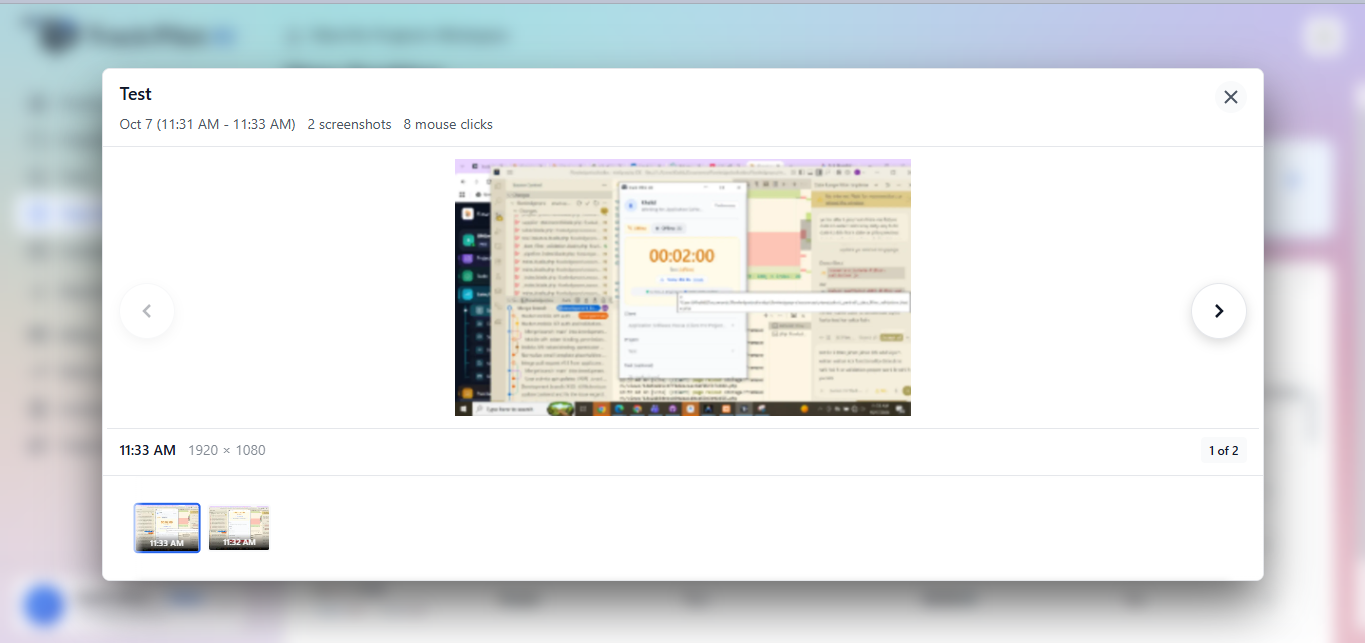
Activity monitoring can show which applications and websites employees use during tracked work time. This information may help businesses understand work patterns, but application usage alone does not prove productivity.
Idle-Time Detection
Idle detection can help identify periods when there is no recorded keyboard or mouse activity. It should be treated as a signal rather than proof that an employee is not working, because people may complete tasks that do not require constant computer input.
Reports and Timesheets
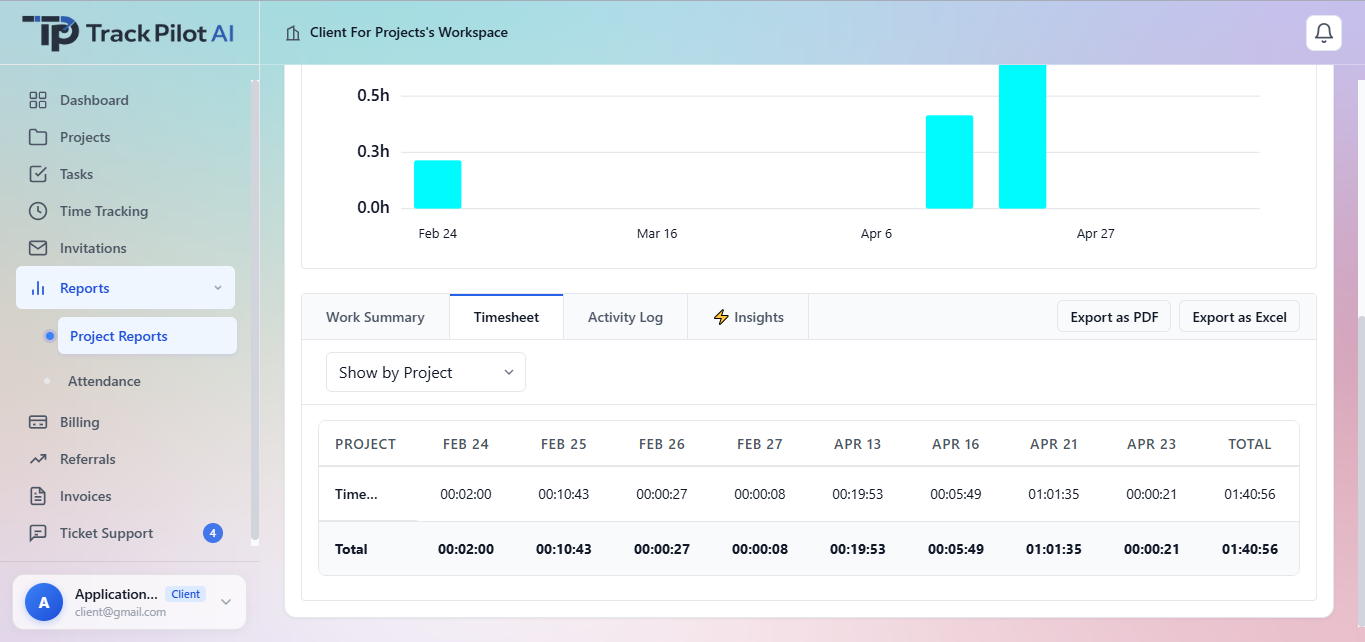
Reports help managers review tracked hours, activity, and work patterns. Timesheets can make it easier to check records and prepare summaries.
Project and Task Tracking
Project and task tracking connects work time with specific assignments. This can help teams understand how much effort projects require and plan future workloads more accurately.
How Remote Employee Productivity Monitoring Software Helps Teams
The value of monitoring software depends on how a business uses the information it collects. The best approach is to combine activity data with communication, clear goals, and regular feedback.
Better Workload Planning
Managers can review time records to understand which projects require more effort. They can then adjust deadlines, redistribute tasks, or provide additional support when needed.
More Consistent Timesheet Reviews
Digital timesheets make it easier to review recorded hours and identify entries that need clarification. Approval workflows can also help teams maintain consistent records.
Earlier Identification of Workflow Problems
Reports may reveal repeated delays, excessive task switching, or processes that require too much manual work. Managers can investigate these patterns and improve the workflow instead of making assumptions about individual employees.
More Informed Team Discussions
When managers and employees review the same work records, conversations about deadlines and workload can become more specific. The information should support constructive discussions rather than unfair comparisons.
For teams comparing remote employee productivity monitoring software, useful evaluation criteria include reporting options, data collection controls, ease of use, and the ability to connect tracked time with daily work.
Remote Employee Monitoring Tools Compared
Different products serve different needs. The table below provides a starting point for comparing TrackPilotAI with three established options. Check each vendor's current feature pages and pricing before choosing a solution.
| Software | Best For | Key Features and Main Focus | What to Consider |
|---|---|---|---|
| TrackPilotAI | Teams needing time tracking and employee activity visibility | Time tracking, app and website activity monitoring, optional screenshots, idle detection, project tracking, reports, timesheets, approvals, and invoicing. | Review the available features and pricing to confirm they match your team's monitoring and reporting needs. |
| Hubstaff | Businesses managing employee time and workforce operations | Time tracking, timesheets, reporting, and workforce management features, depending on the product and plan. | Compare plan limits, reporting options, integrations, and the workforce features your business needs. |
| Time Doctor | Teams looking to review work time and activity patterns | Time tracking, activity-related monitoring, and productivity reporting features, depending on the plan. | Review its monitoring settings, reporting capabilities, privacy controls, and current plan details. |
| ActivTrak | Organizations focused on workforce analytics | Workforce analytics, digital activity insights, and productivity-related reporting. | Check its analytics capabilities, available reports, privacy controls, and pricing for your use case. |
TrackPilotAI
TrackPilotAI combines time tracking with employee activity monitoring and reporting features. Its documented capabilities include app and website activity, optional screenshots, idle detection, projects and tasks, reports, timesheets, approvals, and invoicing.
These features may suit businesses that want to review work time and activity through a connected workflow. Before choosing a plan, review the available features and pricing on the pricing page.
Hubstaff
Hubstaff focuses on time tracking and workforce management. Depending on the selected product and plan, businesses can evaluate its time records, reporting, and workforce management capabilities.
It may be worth comparing Hubstaff with TrackPilotAI if your organization wants to understand how time tracking fits into a broader workforce management process. Confirm the current feature set and plan limits directly with Hubstaff.
Time Doctor
Time Doctor is an employee time-tracking and productivity management platform. Businesses evaluating it can review its time records, activity-related features, and reporting options.
It can be included in a shortlist when a company wants to compare how different tools present tracked time and work activity. Review the vendor's current policies and settings to determine whether the software fits your team's requirements.
ActivTrak
ActivTrak focuses on workforce analytics and productivity insights. Its approach emphasizes understanding digital work patterns and using analytics to inform workforce decisions.
Businesses interested in analyzing work patterns may want to compare ActivTrak's analytics with the time-tracking and activity-reporting capabilities offered by other tools. Check current product documentation to confirm which features are available for your intended use.
How to Choose the Right Tool
Before selecting a monitoring platform, ask these questions:
Which problem are we solving? Decide whether your priority is time tracking, project reporting, app activity, or workforce analytics.
What data is necessary? Collect only information that supports a clear business purpose.
Can employees understand the policy? Explain what is tracked, when monitoring operates, who can see the data, and how it is used.
Are the reports useful? Choose a tool that presents information managers can act on without drawing unsupported conclusions.
Does it fit the budget? Compare current pricing, plan limits, and the features your team actually needs.
Can it support the workflow? Check whether timesheets, approvals, projects, and reporting match your business process.
You can also review how it works and explore its features before deciding whether it fits your team's needs.
Use Monitoring Responsibly
Monitoring works best when employees understand its purpose. Businesses should communicate their policies before enabling tracking and follow applicable employment, privacy, and data-protection laws.
A responsible policy should explain:
What information the software collects.
When monitoring is active.
Whether screenshots or app and website activity are recorded.
Who can access the information and how long it is retained.
How employees can ask questions or raise concerns.
Monitoring data should be interpreted carefully. Time spent in an application, mouse activity, or a screenshot cannot fully measure the quality, creativity, or value of an employee's work.
Conclusion
A remote employee monitoring tool can help modern teams organize time records, review work activity, and identify workflow problems. However, the software is most useful when businesses combine reliable data with clear expectations, open communication, and respect for employee privacy.
TrackPilotAI offers time tracking, activity monitoring, and reporting features that businesses can evaluate against their needs. Compare the available features and plans, establish a transparent monitoring policy, and choose a solution that supports both team performance and employee trust.
No comments yet
Be the first to share your thoughts and start the discussion.