How to Automate Employee Timesheets Without Losing Accuracy
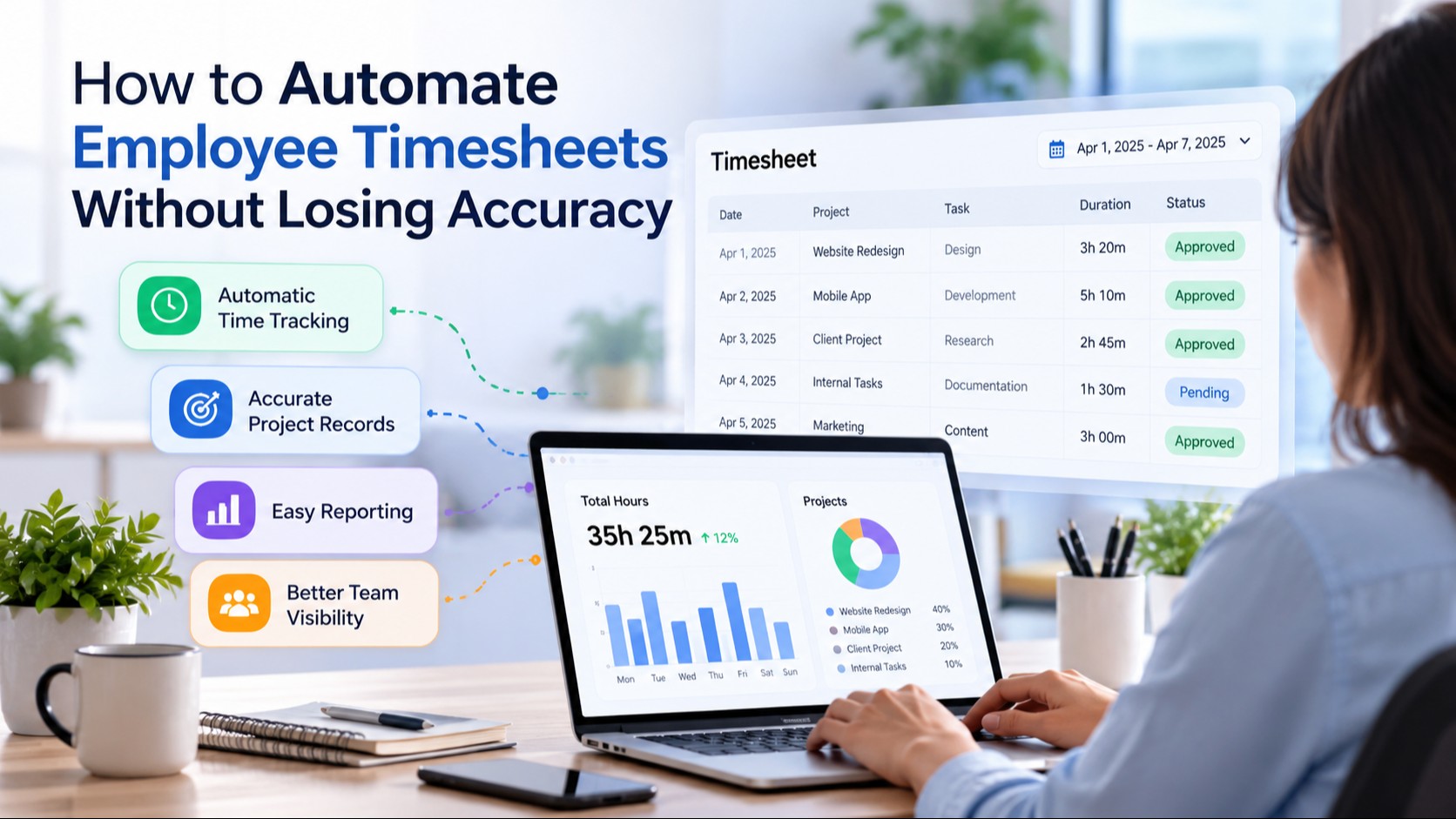
Keeping accurate employee time records is essential for managing projects, planning workloads, and maintaining reliable business operations. However, many organizations still depend on spreadsheets, handwritten records, or employees remembering their working hours at the end of each week.
These methods may work for smaller teams, but they become difficult to manage as projects and employee responsibilities increase. Missing entries, incorrect calculations, and delayed approvals can create unnecessary administrative work.
Automated timesheets provide a more organized way to record working hours. They reduce repetitive data entry, simplify reporting, and help businesses maintain consistent records without depending entirely on manual processes.
Understanding how automated timesheets work can help organizations choose the right approach and avoid common time tracking mistakes.
What Are Automated Employee Timesheets?
Automated employee timesheets are digital records that capture, organize, and calculate employee working hours with minimal manual input.
Instead of entering every working hour into a spreadsheet, employees can use digital timers or supported tracking applications to record time spent on projects and tasks.
The software organizes this information into timesheets that employees and managers can review.
For example, an employee working on three different projects may record:
Project A: 3 hours
Project B: 2 hours
Project C: 2.5 hours
Total recorded time: 7.5 hours
The system calculates the total working time and organizes the entries according to the assigned projects.
Many businesses use employee time tracking software to maintain these records and reduce the administrative work associated with manual time entry.
However, automation does not eliminate the need for review. Employees may forget to start a timer, select the wrong project, or leave a session running accidentally.
A reliable process should allow legitimate corrections before timesheets are approved.
Why Manual Employee Timesheets Become Difficult to Manage
Manual time tracking creates several challenges, especially when employees manage multiple projects or work remotely.
1. Forgotten Working Hours
Employees often switch between meetings, assignments, and client requests throughout the day.
When timesheets are completed several days later, accurately remembering every working session becomes difficult.
This can result in:
Missing working hours
Estimated time entries
Incorrect project allocations
Incomplete weekly records
2. Incorrect Time Calculations
Spreadsheets depend on formulas and consistent data entry.
An incorrect formula, duplicate entry, or accidental change can affect total working hours.
These errors may remain unnoticed until reports are reviewed.
3. Time-Consuming Administrative Work
Managers may spend significant time collecting records, checking calculations, and requesting corrections.
As the number of employees increases, this process becomes harder to maintain.
4. Limited Project Visibility
Traditional timesheets may show total working hours without clearly explaining how time was distributed across projects.
This makes it harder to understand project workloads and improve future estimates.
5. Delayed Reporting
When employees submit timesheets late, managers may not have accurate information when preparing project reports or reviewing workloads.
Automated systems can reduce these problems by creating a more consistent recording and review process.
How Do Automated Timesheets Work?
Automated timesheet systems generally follow six steps.
Step 1: Create Employee and Project Records
The organization adds employees, creates projects, and defines relevant tasks.
This provides a structure for organizing working hours.
Step 2: Record Working Time
Employees start a timer or use another supported method to capture working sessions.
Depending on the platform, time may be recorded through:
Desktop applications
Web-based timers
Mobile applications
Supported automatic tracking features
Step 3: Organize Time Entries
The system groups recorded hours by:
Employee
Project
Task
Date
Recorded duration
This reduces the need to combine separate records manually.
Step 4: Review Time Records
Employees check their entries for missing hours, incorrect projects, or other mistakes.
Managers may also review submitted records.
Step 5: Approve Timesheets
Authorized managers approve time records according to the organization's policies.
Entries requiring corrections can be returned for review.
Step 6: Generate Reports
Approved records can support:
Workload analysis
Project planning
Client billing
Resource allocation
Administrative reporting
The exact workflow varies depending on the software and organizational requirements.
7 Benefits of Automated Employee Timesheets
1. Reduces Manual Data Entry
One of the main benefits of automated timesheets is reducing repetitive administrative work.
Employees do not need to reconstruct every working session from memory.
Managers can also spend less time calculating totals and combining records.
2. Improves Time Tracking Accuracy
Recording working hours as tasks are performed can improve accuracy compared with completing timesheets several days later.
However, businesses should still review unusual entries and allow employees to correct mistakes.
3. Supports Better Project Planning
Historical time records help managers understand how long similar projects have taken.
For example, a company may initially estimate that a project requires 80 working hours.
After completing several similar projects, its records may show that the average requirement is closer to 100 hours.
This information can help improve future estimates and resource planning.
4. Simplifies Remote Team Coordination
Remote employees often work from different locations and follow different schedules.
Digital timesheets provide a shared record of working hours without requiring constant manual updates.
Clear time records can support remote workforce management by helping managers understand project workloads and coordinate distributed teams.
5. Makes Billable Hours Easier to Review
Agencies, consultants, and service providers often bill clients according to the time spent on specific projects.
Automated timesheets can help maintain more consistent records of:
Billable working hours
Non-billable activities
Project-specific time
Client-related assignments
Before using these records for invoices, businesses should verify that the hours are accurate and properly approved.
6. Helps Identify Workflow Inefficiencies
Time records can reveal patterns that are difficult to notice during daily operations.
For example, a team may spend more time preparing reports than expected.
Managers can investigate whether repetitive tasks, unclear processes, or unnecessary approvals are contributing to the problem.
The purpose is to improve workflows rather than assume that longer working hours indicate better performance.
7. Creates More Consistent Records
A standardized timesheet process helps employees follow the same recording and submission procedures.
This can make records easier to review, compare, and retrieve when needed.
Automated Timesheets vs. Manual Timesheets
Both methods record working hours, but they differ in how information is collected and managed.
FeatureManual TimesheetsAutomated TimesheetsTime EntryEntered manuallyTimer-based or partially automatedCalculationsManual or spreadsheet formulasSystem-generated totalsProject TrackingSeparate records may be requiredHours can be linked to projectsCorrectionsManual editsStructured editing workflowsApprovalsEmail or manual reviewMay include approval workflowsReportingOften requires additional workCan generate organized reports
Automated timesheets are generally better suited to organizations that need consistent project-level time records.
However, businesses should evaluate their requirements before replacing an existing system.
What Features Should Automated Timesheet Software Have?
Not every organization needs the same features.
A small consulting business may primarily need project timers and billable-hour reports, while a larger organization may require manager approvals, multiple access levels, and detailed reporting.
1. Automatic Time Tracking
The system should make it easy to record working sessions without requiring employees to enter every hour manually.
2. Project and Task Tracking
Employees should be able to assign recorded time to specific projects or tasks.
This helps businesses understand where working hours are spent.
3. Timesheet Editing
Employees should have a clear way to correct inaccurate entries.
A useful system should also make it possible to review significant changes.
4. Manager Approvals
Approval workflows help organizations review working hours before using them for reporting or billing.
5. Reporting and Analytics
Reports should organize time data into meaningful summaries.
Useful information may include:
Total working hours
Project time
Employee workloads
Billable hours
Weekly or monthly summaries
6. Appropriate Activity Monitoring
Some organizations may need additional context about recorded working sessions.
In these cases, employee monitoring software may provide configurable activity information alongside time records.
Any monitoring should follow applicable laws, clearly communicated policies, and appropriate privacy safeguards.
7. Access and Privacy Controls
Businesses should control who can access employee records and establish appropriate data retention policies.
How to Implement Automated Timesheets Successfully
Introducing new software without clear procedures can create confusion.
A structured implementation helps employees understand how the system works and what is expected.
1. Identify Your Time Tracking Goals
Start by determining why the organization needs automated timesheets.
Common goals include:
Improving project estimates
Reducing manual administration
Reviewing billable hours
Maintaining consistent records
Improving workload planning
2. Define Time Tracking Policies
Employees should understand:
When to start and stop tracking
How to record breaks
How to handle meetings
How to record offline work
How to correct inaccurate entries
These rules should be consistent and easy to follow.
3. Organize Projects and Tasks
Create meaningful project categories before introducing the system.
Avoid vague labels that make reports difficult to interpret.
4. Train Employees
Demonstrate how to record time, review entries, correct mistakes, and submit timesheets.
Training reduces confusion and helps establish consistent usage.
5. Establish an Approval Process
Managers should review submitted records regularly.
Unusual entries should be discussed and corrected when necessary.
6. Evaluate the Results
After implementation, review whether the process has improved record accuracy and reduced administrative work.
Employee feedback can also reveal problems with the system or tracking policies.
Common Automated Timesheet Mistakes to Avoid
Automation can simplify time tracking, but poor implementation may create new problems.
Tracking hours without project context: Total working hours provide limited information when they are not connected to meaningful tasks.
Ignoring employee corrections: Timers can be left running accidentally, and employees may select incorrect projects.
Using computer activity as the only productivity measure: High activity does not necessarily mean valuable work is being completed.
Creating unclear monitoring policies: Employees should understand what information is collected and how it is used.
Skipping manager reviews: Automated calculations do not guarantee that every entry is correct.
Collecting unnecessary information: Businesses should avoid gathering more employee data than required for legitimate operational purposes.
A successful timesheet process combines automation with appropriate human review.
How Can Automated Timesheets Improve Workforce Productivity?
Automated timesheets can help organizations understand how working hours are distributed across projects.
However, time records should not be treated as a complete measure of productivity.
For example, two employees may spend different amounts of time completing similar tasks because of differences in complexity, experience, or available resources.
Managers should consider several factors when reviewing performance:
Project outcomes
Quality of completed work
Deadlines
Employee workload
Task complexity
Available resources
Combining time records with productivity monitoring software can provide additional context about work patterns and help identify areas where processes may need improvement.
The objective should be to make better operational decisions, not simply increase the number of tracked hours.
Are Automated Timesheets Suitable for Small Businesses?
Automated timesheets can be useful for small businesses, particularly when employees work on multiple projects or client assignments.
For example:
Small agencies: Review billable hours across client projects.
Consulting businesses: Understand project costs and profitability.
Remote service teams: Coordinate workloads across different schedules.
Freelancers: Maintain accurate time records for client work.
Growing businesses: Standardize time reporting as employee numbers increase.
However, businesses with simple working arrangements may not need advanced monitoring or detailed analytics.
The best system is one that meets actual operational requirements without creating unnecessary complexity.
Conclusion
Automated employee timesheets can simplify the process of recording working hours, reviewing project time, and preparing reports.
They reduce dependence on manual spreadsheets and help businesses maintain more consistent records as teams grow.
However, successful time tracking requires more than software. Clear policies, accurate project assignments, employee training, and regular reviews remain important.
Organizations that combine automation with transparent procedures can create a more reliable time tracking process while maintaining employee trust.

No comments yet
Be the first to share your thoughts and start the discussion.