Set clear goals
Define the work question, monitoring scope, and review process before collecting supported activity evidence.
Remote workforce monitoring
Remote employee monitoring software gives distributed teams visibility into recorded work without requiring managers to watch every moment. Track Pilot AI brings time, screenshots, app and website activity, and reports together so teams can review work with context and make informed decisions responsibly.
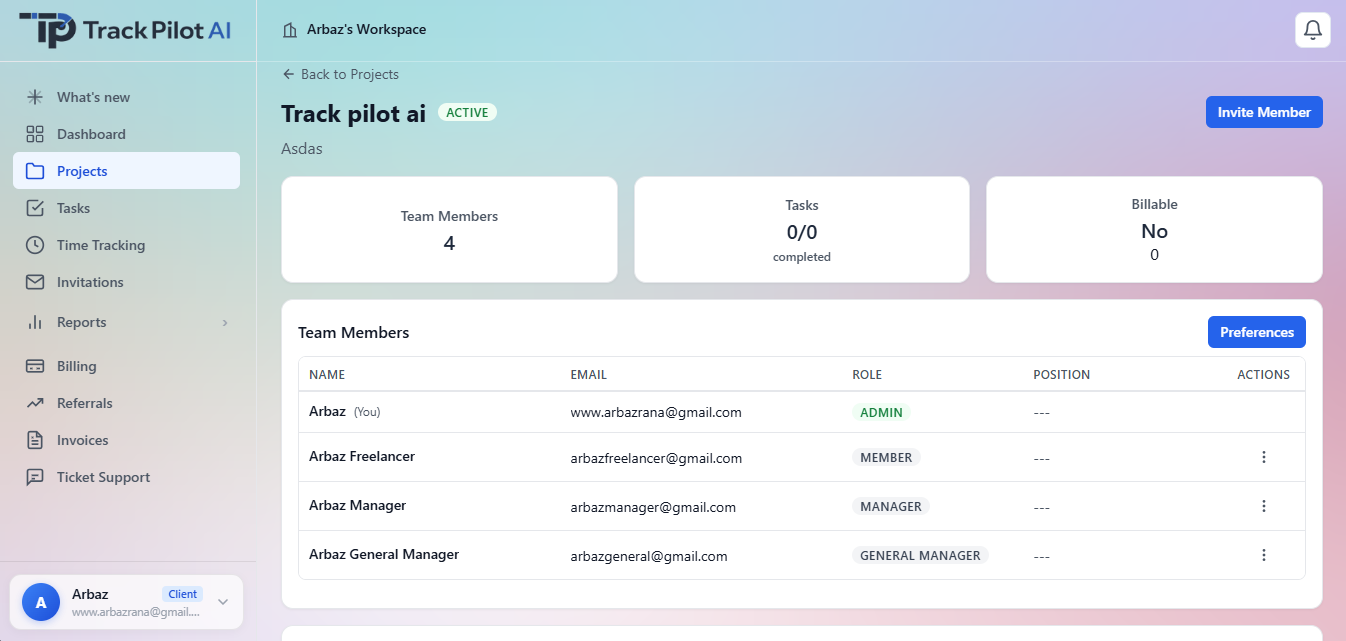
Visibility with boundaries
Remote and distributed work can make it harder to understand where time is going, whether a project is moving forward, and where a contributor may need support. A clear monitoring workflow creates shared context instead of relying on assumptions or constant status meetings.
Define the work question, monitoring scope, and review process before collecting supported activity evidence.
Examine tracked time and available activity evidence within the project and task that explain the work.
Give contributors an opportunity to explain or correct the record before it informs a decision.
Connected work evidence
Track Pilot AI connects monitoring information to the time, project, and reporting workflow that gives it meaning.
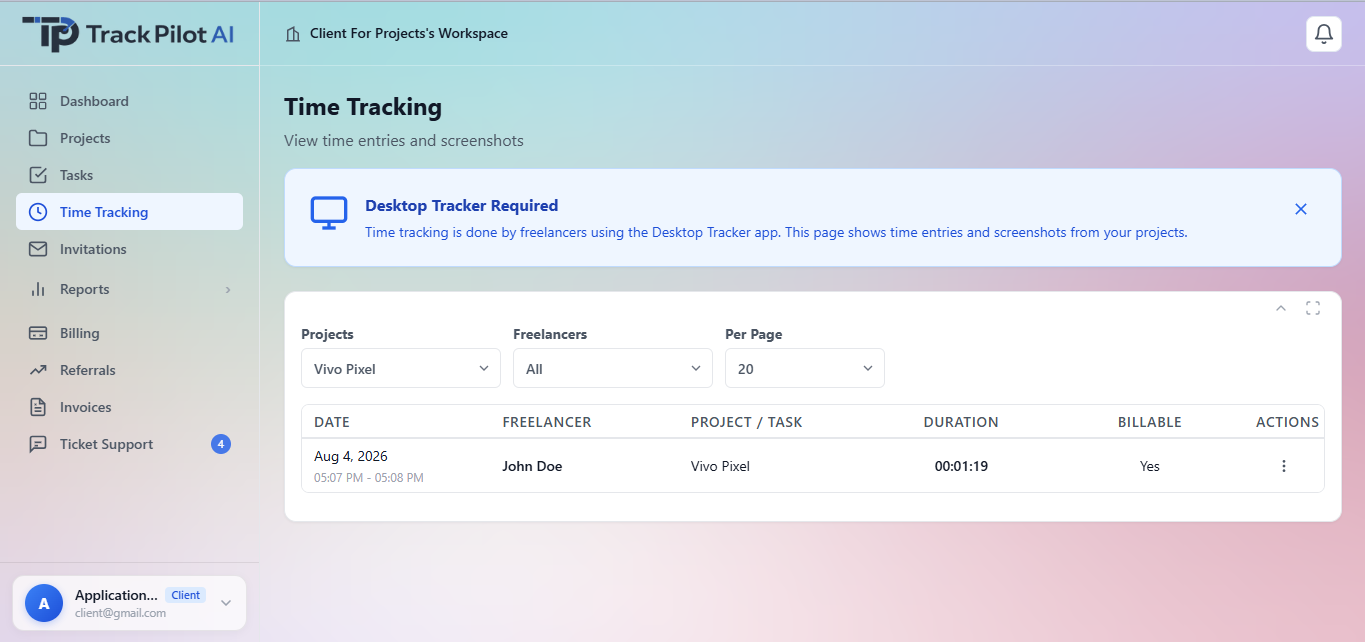
Recorded work hours
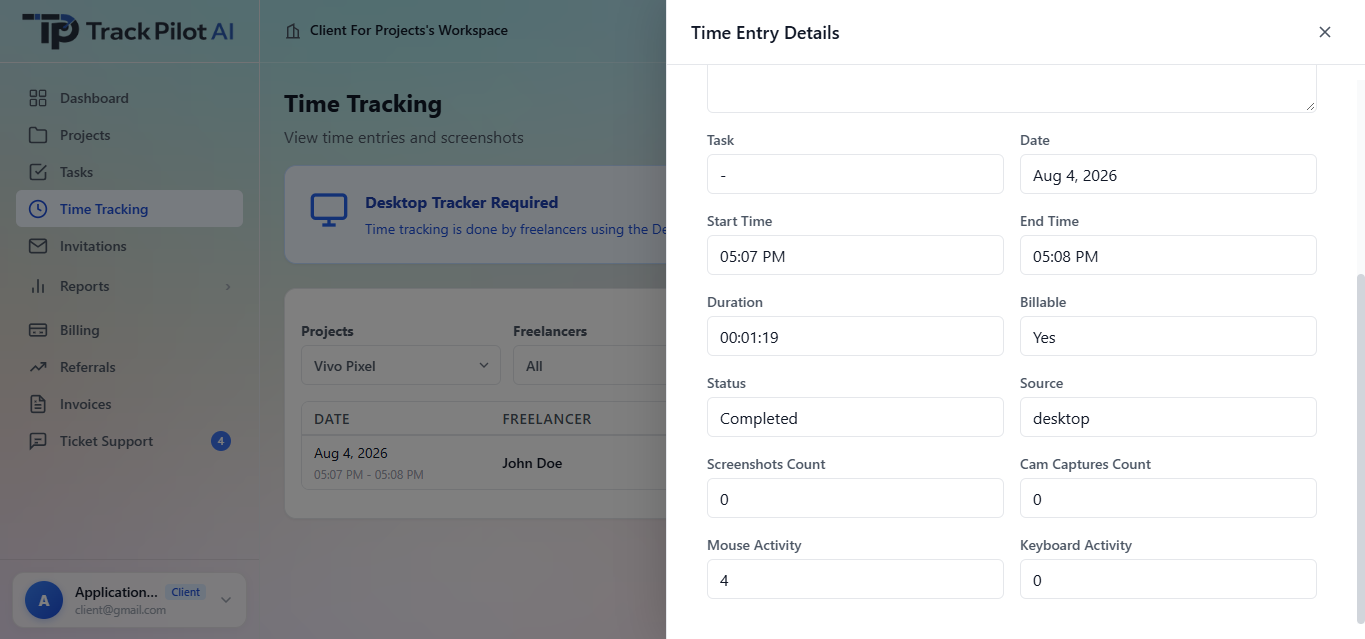
Record remote work against the project or task being completed. A structured time entry gives reviewers a clear starting point before they examine activity details or prepare a report.
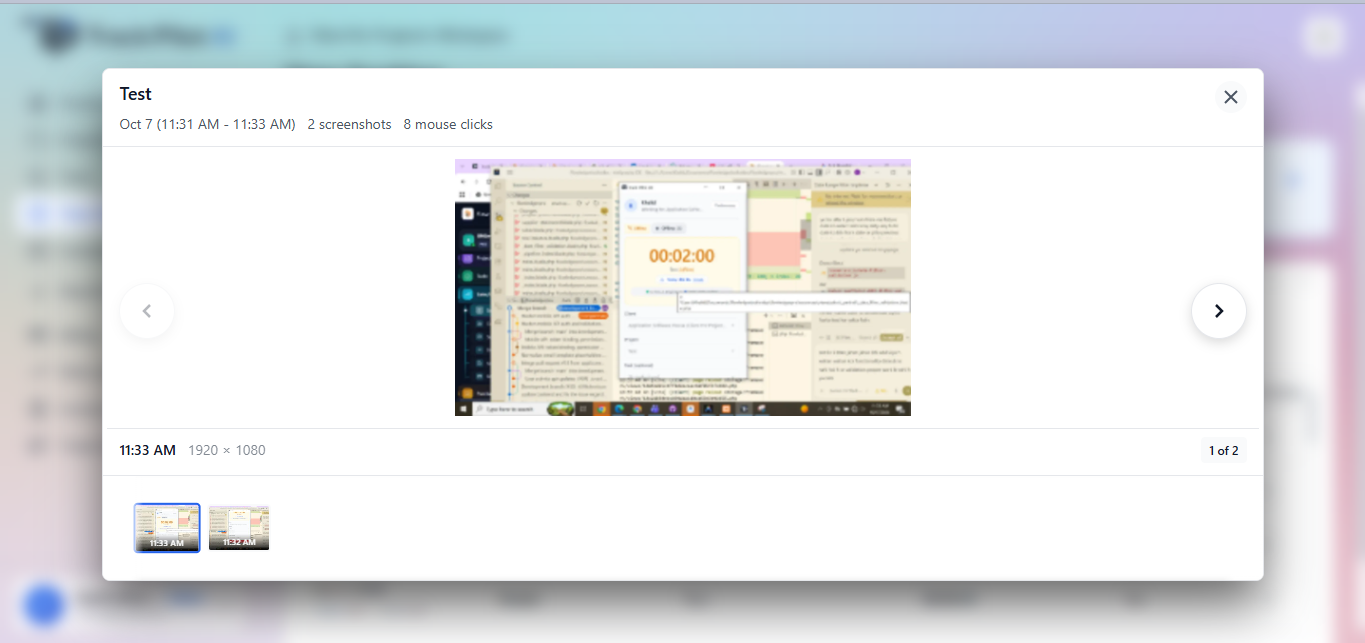
Visual work evidence
Use supported screenshots to add visual context to a tracked session when the monitoring policy requires it. Review captures beside related work instead of treating one image as a complete performance assessment.
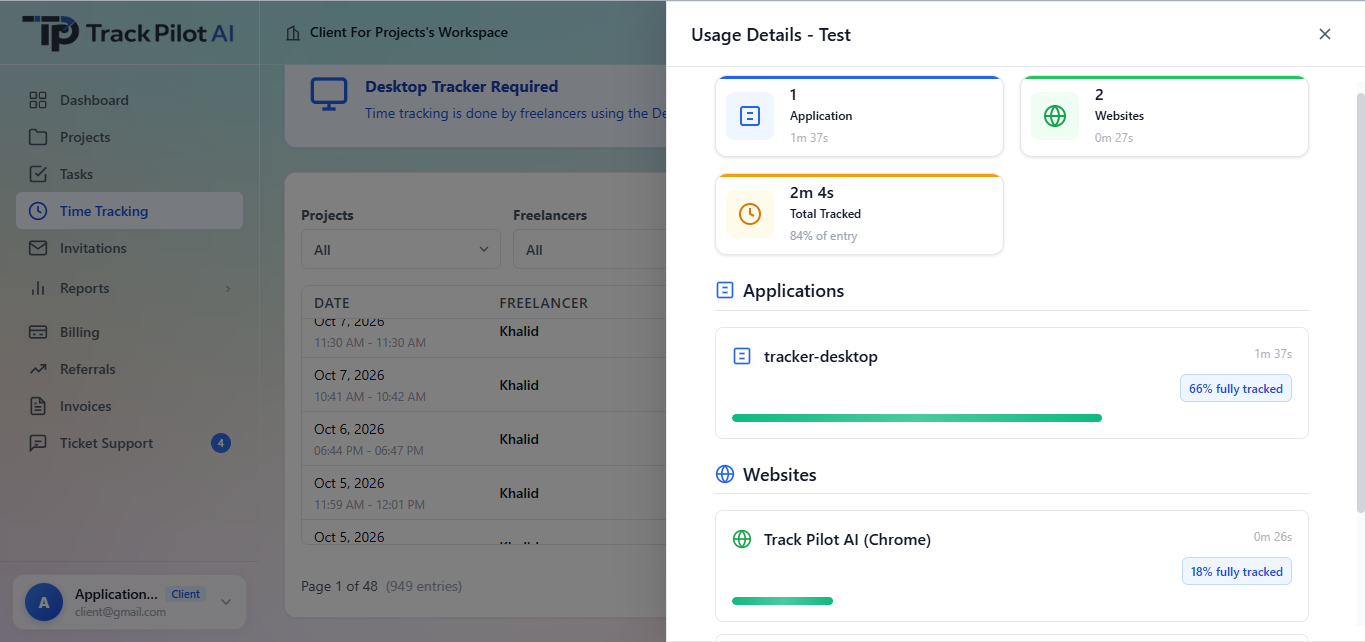
Digital work patterns
Review supported application and website activity within the relevant time entry. This context can help a remote team understand tool usage and workflow blockers without judging an isolated event on its own.
Activity review prompts
Use available mouse, keyboard, and idle-time signals as prompts for review. Activity values can identify a record that needs clarification, but they do not explain work quality, difficulty, or intent by themselves.
Review and reporting
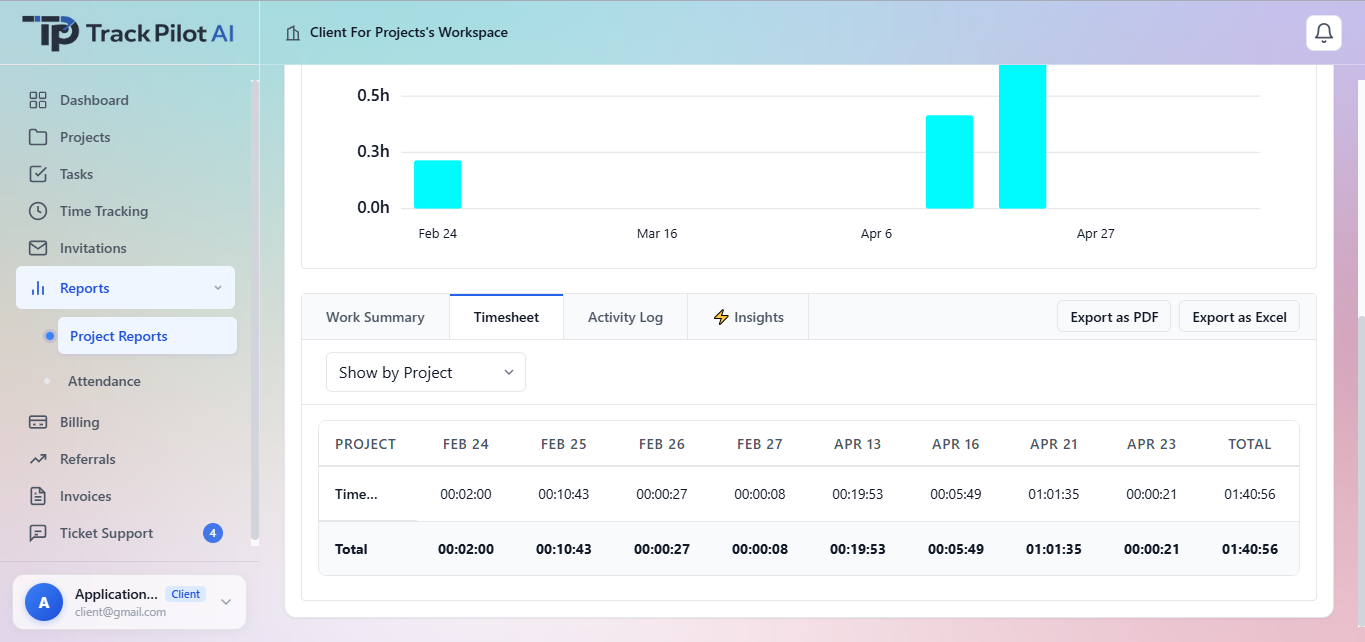
Move from individual work entries to a structured project summary. Reports help reviewers examine remote work across time periods, trace totals to their source, and prepare a focused conversation or approval decision.
Privacy-first implementation
Monitoring works best when people understand its purpose and boundaries. Define scope, access, retention, review, and correction expectations before rollout, and use activity signals as supporting context rather than a standalone verdict.
Review monitoring transparency guidanceCollect only the context needed for a defined work question.
Explain what is collected, when, and who can access it.
Give contributors a route to add context or correct a record.
Keep project, task, and outcome context in the review.
Compare the workflow
Features and controls vary by provider and plan. This comparison focuses on how teams can keep monitoring information connected to the work it is meant to explain.
| Review area | Traditional approach | Track Pilot AI approach |
|---|---|---|
| Time tracking | Hours or activity totals may require separate investigation. | Connects recorded time with its project, task, date, duration, and source. |
| Screenshot monitoring | Captures may be shown separately from the task or review decision. | Keeps available screenshots connected to the related tracked session and work context. |
| App and website activity | Activity can appear without the surrounding project outcome. | Presents activity as supporting context for a relevant time entry. |
| Idle detection | An inactivity value can be mistaken for a final performance conclusion. | Uses an idle signal to identify a record that may need discussion or correction. |
| Transparency | Policies and employee communication depend on the provider and organization. | Encourages teams to define purpose, scope, access, retention, review, and correction expectations. |
Swipe horizontally to review every comparison column.
Built for shared accountability
A sustainable monitoring workflow separates configuration, review, and explanation instead of placing every decision in one dashboard or with one person.
Understand what is collected and add context when a work record needs clarification.
Review signals beside time, tasks, and outcomes before deciding what requires follow-up.
Define monitoring boundaries, access expectations, and the route for questions.
Resolve corrections and document the record before it moves into reports or billing.
A practical rollout
Decide whether the workflow verifies time, reviews project progress, resolves a discrepancy, or understands a blocker.
Confirm which supported monitoring features fit that purpose and avoid collecting activity without a documented reason.
Tell contributors what may be collected, when it applies, who has access, how long it is needed, and where questions should go.
Examine signals beside projects, tasks, time, and outcomes. Ask for context and resolve corrections before relying on the record.
Simple, transparent pricing
Choose a starting point, then confirm current limits and included capabilities on the live pricing page before purchase.
For individuals and small teams.
$0/ month
Start FreePer seat / month.
$2.99/ seat / month
Start FreePer seat / month.
$5.99/ seat / month
Start FreePricing amounts are drawn from the existing pricing implementation; plan names and feature limits should be confirmed by the product owner.
Start with clarity
Give your distributed team a shared record of time and work activity, with clear boundaries for review and correction.
Review activity context alongside screenshot controls and the transparency guidance that helps teams set clear expectations.